My Spreadsheets Are So Out of Control I Can't Find Anything

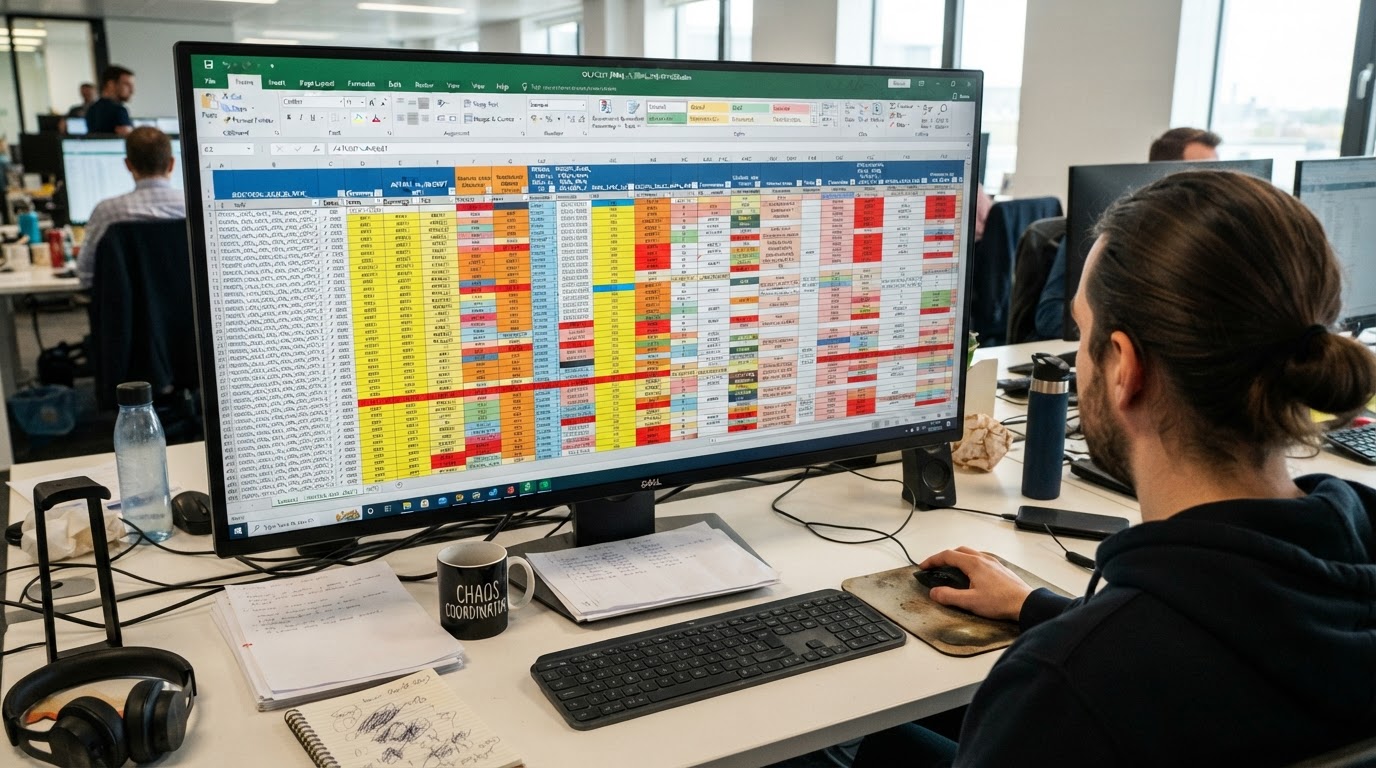
You built your first spreadsheet the week you launched your business. It felt like progress. One tab for income, one tab for expenses, and a simple formula at the bottom that told you whether you made money. That was three years ago. Now that same file has grown into a monster with fourteen tabs, broken links, and a cell reference error nobody can explain. You open it, scroll for five minutes, and still cannot answer the most basic question about your own finances. The solution is not to build a bigger spreadsheet. The solution is to graduate from spreadsheets entirely before they bury your business.
How a Spreadsheet Becomes a Trap
Spreadsheets do not fail because they are bad tools. They fail because they are designed for analysis, not for transaction management. When you force them to do the job of accounting software, they break down in predictable ways. Every new transaction becomes a manual entry. Every correction creates a ripple effect across linked cells. There is no audit trail, no bank feed, and no protection against a single fat finger keystroke.
The trap is gradual. Month one feels organized. Month six feels complicated. Month eighteen feels unmanageable. By month thirty you are afraid to touch anything because one wrong move could corrupt a formula you do not fully understand. You stop trusting your own numbers. That is the moment your spreadsheet stops being a tool and becomes a liability.
The Hidden Cost of Broken Cell References
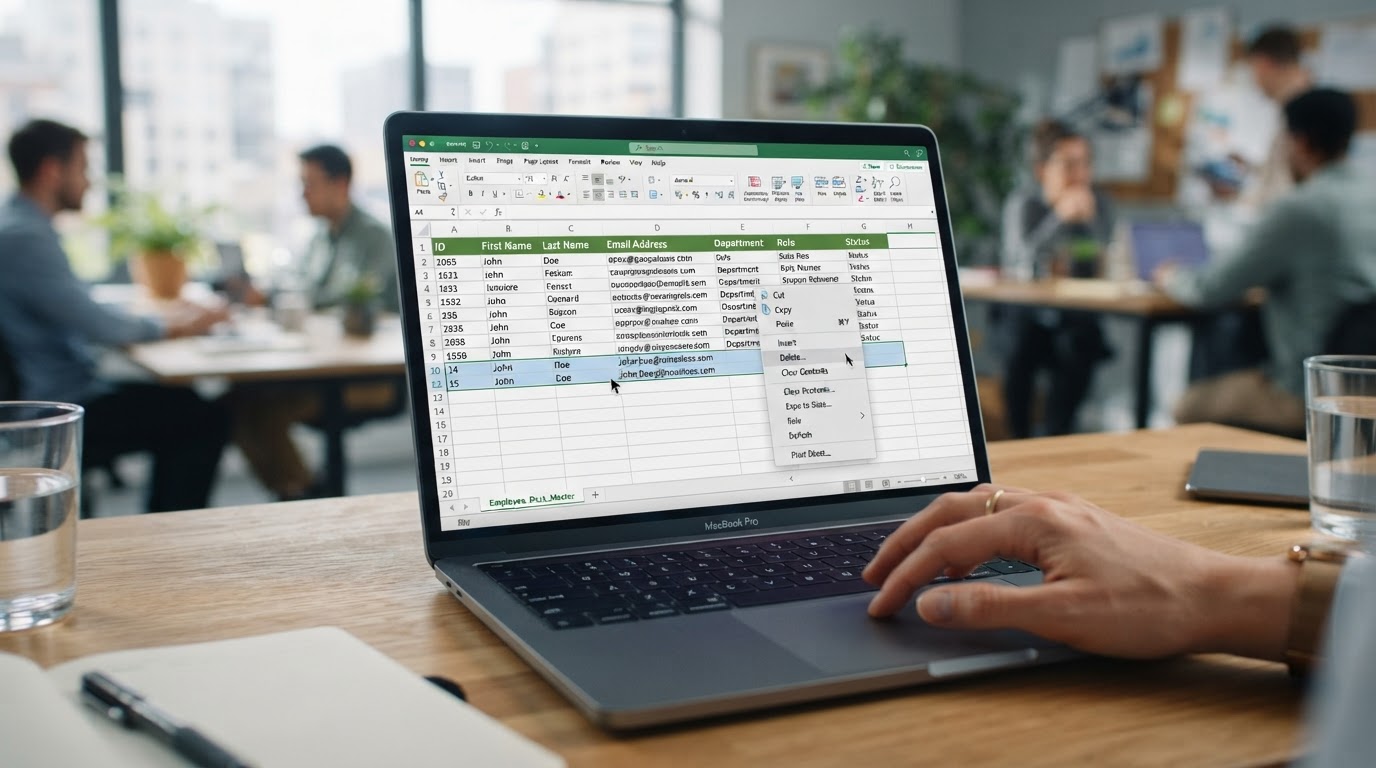
A broken formula is not a minor inconvenience. It is a silent liar sitting inside your financial reports. When a single cell reference breaks, every downstream calculation inherits the error. Your net income number looks plausible, so you believe it. Then your accountant opens the file and discovers your profit margin is off by eleven percent because someone deleted a row three months ago.

How Reference Errors Actually Happen
- Deleting a row that another formula depended on quietly
- Sorting a column without expanding the selection to all columns
- Pasting values over a formula cell without noticing
- Renaming a tab that another tab references by its old name
- Dragging a fill handle two cells too far down a column
The Most Commonly Broken Formulas
- Sum ranges that no longer capture the newest transactions
- Vlookup calls pointing to the wrong column index number
- Conditional totals that silently exclude entire categories
- Linked workbook references that break when a file moves
- Profit calculations relying on an outdated expense total
None of these errors produce a warning. The spreadsheet simply displays a number that looks reasonable. You make decisions based on that number. Weeks later you discover the truth, and by then the damage is done.
Why You Cannot Find Anything Anymore
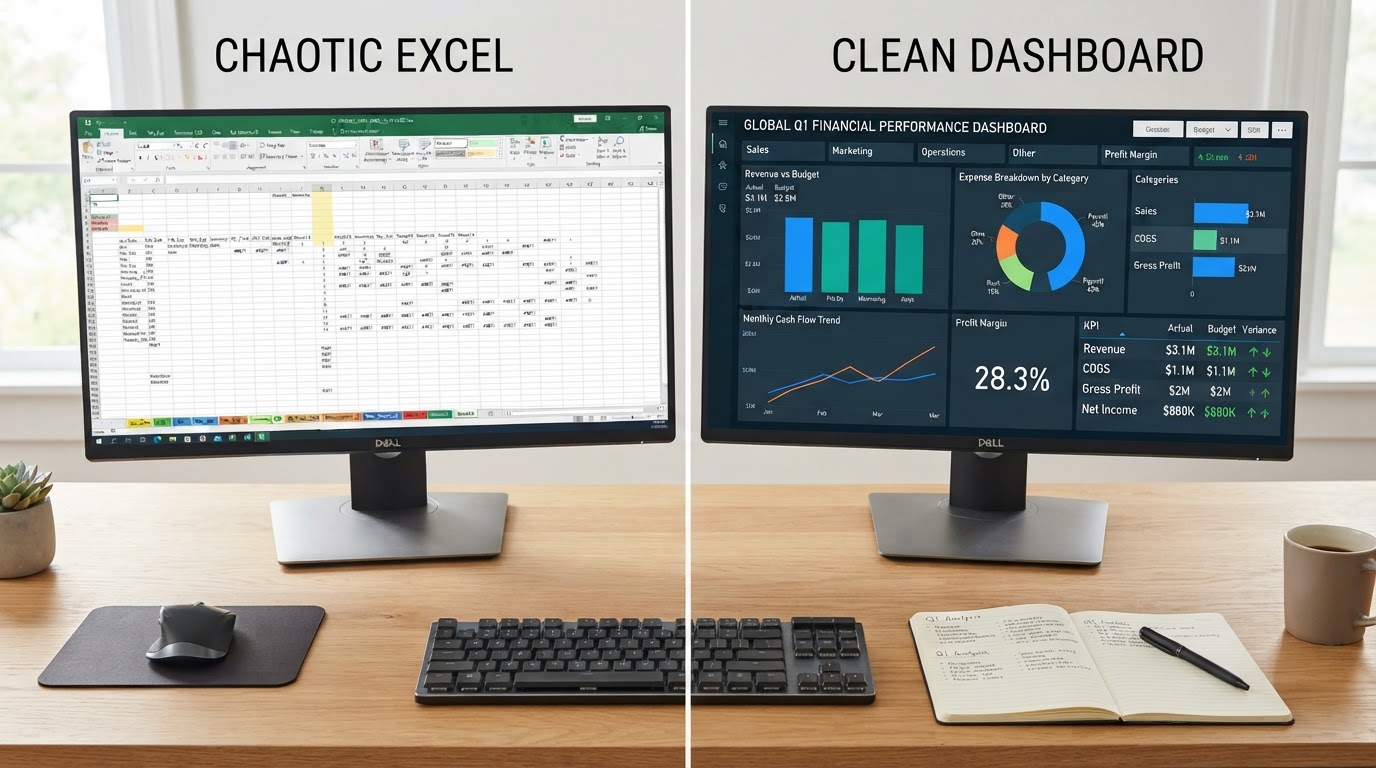
The search problem is structural. Spreadsheets do not have a chart of accounts. They do not have searchable transaction histories. They do not have vendor records or customer profiles. Everything lives in flat rows that you must manually organize. When you need to find every payment to a specific supplier last quarter, you are manually filtering and hoping you caught them all.
This problem scales with every passing month. A spreadsheet that took ten minutes to review at month three now takes ninety minutes. The time cost compounds, and the accuracy degrades in parallel. You are spending more energy maintaining the tool than running the business it is supposed to support.
The Reconciliation Problem Spreadsheets Cannot Solve
Bank reconciliation is the backbone of accurate bookkeeping. It is the process of confirming that every transaction on your bank statement exists in your records and matches the correct amount. In proper accounting software, reconciliation is a guided process that flags discrepancies instantly. In a spreadsheet, reconciliation is a manual side by side comparison that almost nobody completes correctly.
When you skip reconciliation, duplicates creep in. Missing transactions go unnoticed. Transposed numbers hide in plain sight. By the time you reach tax season, your spreadsheet total and your bank total differ by hundreds or thousands of dollars, and you have no systematic way to find the gap.
Signs Your Spreadsheet Is Already Lying to You
- Your spreadsheet cash total never matches your bank balance
- You find duplicate entries weeks after you created them
- Your expense categories shift names from tab to tab
- You cannot remember which tab holds the current month
- You manually retype the same number in multiple places
- Your profit number changes every time someone sorts a column
The Tax Season Disaster Scenario
Tax season turns spreadsheet chaos into a full crisis. Your accountant asks for a clean profit and loss statement. You export your spreadsheet and hand it over. They spend hours untangling your tabs, correcting your formulas, and rebuilding your categories. Then they bill you for that cleanup work. You pay for the inefficiency you created all year long.
Worse, your accountant cannot verify your numbers against your bank statements because you never reconciled. They are forced to trust your spreadsheet, and they add a disclaimer to your return noting that your financial records were not professionally maintained. That disclaimer raises your audit risk and undermines your credibility with lenders and investors.

The Audit Trail You Do Not Have
Every business needs a record of who changed what and when. Proper accounting software logs every edit automatically. Spreadsheets do not. When two people edit the same file, the last save wins. There is no history of the version that existed before. If a partner or employee overwrites a correct entry with a wrong one, the correct data is gone forever.
This matters enormously during an audit. The IRS does not just want to see your final numbers. They want to see how you arrived at those numbers. A spreadsheet with no audit trail cannot answer that question. You are left explaining a number you cannot defend with a record you cannot produce.
What Real Accounting Software Does Differently
The transition from spreadsheets to accounting software is not about adding complexity. It is about removing it. A platform like QuickBooks Online handles the repetitive work your spreadsheet forces you to do manually, and it does so with built in protections against the errors that plague flat file management.
Core Capabilities Spreadsheets Lack
- Live bank feeds that import transactions automatically each day
- A guided reconciliation workflow that flags every discrepancy
- A standardized chart of accounts that never shifts names
- Automatic duplicate detection on imported bank transactions
- A complete audit trail logging every edit with a timestamp
- Role based access so only authorized users can edit sensitive data
- Instant financial statements built from categorized data
Each of these features eliminates a specific failure mode that your spreadsheet currently suffers from. Together they transform bookkeeping from a monthly guessing game into a dependable, repeatable process.
How to Migrate Off Your Spreadsheet Safely
Migration is the step that frightens business owners the most. They imagine a long, painful process that disrupts operations for weeks. In reality, a structured migration takes a fraction of the time you currently spend fighting your spreadsheet every month. The key is approaching the move in deliberate stages rather than attempting a single dramatic cutover.
The Stage by Stage Migration Plan
- Export your current spreadsheet data as a clean backup copy
- List every account category you currently use for mapping
- Set up a matching chart of accounts in your new software
- Import the prior year of transactions in a single batch
- Reconcile each month against your bank statements sequentially
- Confirm your opening balances match your actual bank position
- Run your first clean financial statement and verify the totals
Each stage produces a verifiable result before you move to the next. You never lose visibility into your numbers during the transition. By the final stage, your new system is producing statements you can actually trust.

The Exact Moment Spreadsheets Stop Working
There is a predictable tipping point. It arrives when your spreadsheet requires more than two hours of maintenance per week. It arrives when you can no longer answer a simple profitability question without rebuilding a formula. It arrives when you start dreading the file instead of relying on it. If you are past any of these thresholds, your spreadsheet is actively costing you money.
The cost is not just the time you spend. It is the decisions you defer because you do not trust your numbers. It is the deductions you miss because your categories are inconsistent. It is the errors you cannot detect because you have no reconciliation process. Every month you delay the transition is a month of compounding inaccuracy.
The Zion Approach and Strategy
At Zion Accounting and Tax, we do not just hand you a software subscription and walk away. We own the migration process for you. When a client comes to us buried under an unmanageable spreadsheet, our first step is a full diagnostic of that file. We identify every broken formula, every duplicate entry, and every miscategorized transaction before we move a single number into QuickBooks Online.
We map your existing spreadsheet structure to a proper chart of accounts that mirrors how your business actually operates. We import your historical data, reconcile it against your bank statements month by month, and deliver you a clean, verified starting point. From that moment forward, your books live in a system with bank feeds, audit trails, and automatic duplicate detection. You stop manually entering transactions. You stop guessing at your profit. You start making decisions from numbers you can defend.
Our strategy is proactive, not reactive. We review your books on a consistent schedule so small errors are caught long before tax season. We run quarterly tax planning sessions instead of waiting until December. When our clients grow, we grow too, and our clients grow fastest when their financial foundation is unshakeable. We do not just record your financial history. We actively guide your financial future.

You Can Migrate Alone, But You Do Not Have To
Every step described in this guide is something you can attempt on your own. You can map your chart of accounts, import your transactions, and reconcile your bank statements without help. Plenty of business owners try. Most of them abandon the effort halfway through because the complexity of untangling years of spreadsheet errors is far greater than they expected.
An unshakeable financial foundation requires more than good software. It requires a dedicated partner who knows your business, who reviews your numbers proactively, and who catches the errors you cannot see. The businesses that scale fastest are the ones that stop treating bookkeeping as a solo chore and start treating it as a strategic advantage. When your foundation is solid, your potential is limitless.
Trusted by small businesses and entrepreneurs who refuse to let a broken spreadsheet dictate their financial future.
Related Insights
View all insights
My Books Are a Complete Mess: Where to Even Start Cleaning Up
Many business owners open their accounting software, see hundreds of uncategorized transactions, and immediately close it. The mess feels so enormous that paralysis sets in.

How to Reconstruct Missing Business Transactions When You Have No Records
Missing business transactions create a specific kind of fear. A structured reconstruction process rebuilds your financial history from secondary sources.

Common QuickBooks Online Mistakes and How to Fix Them
Many business owners fall into the trap of assuming automated software means error-free bookkeeping. Relying entirely on automatic categorization without proper oversight often leads to a corrupted general ledger.