My Books Are a Complete Mess: Where to Even Start Cleaning Up

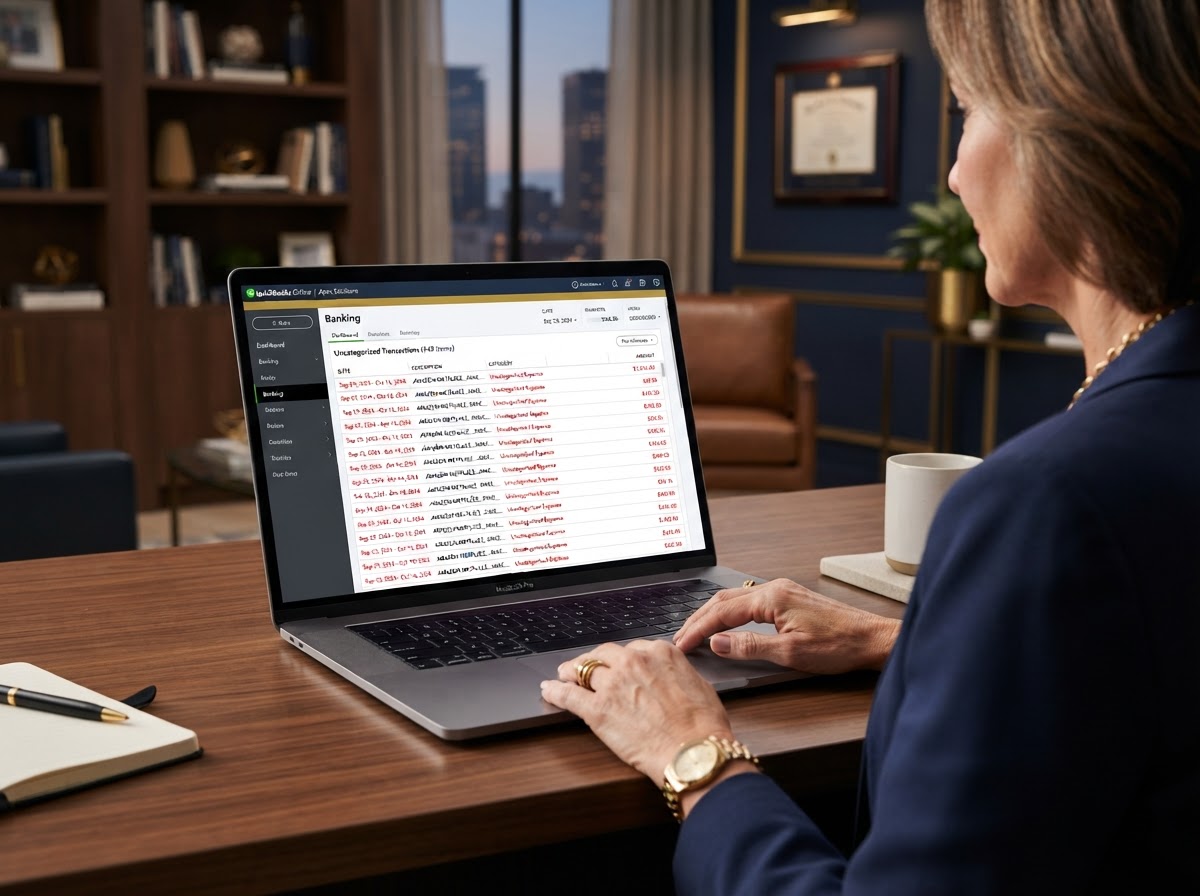
Many business owners open their accounting software, see hundreds of uncategorized transactions, and immediately close it. The mess feels so enormous that paralysis sets in. The solution is not to ignore the problem but to break it into small, sequential steps you can execute one week at a time.
A disorganized set of books does more than create anxiety. It actively destroys your ability to make profitable decisions, claim legitimate deductions, and prove your income to lenders or the IRS. Every day you delay, the problem compounds.
We have guided countless entrepreneurs through this exact scenario. The process is entirely survivable when you follow a proven framework instead of guessing. Fiscal integrity starts with facing the numbers honestly, no matter how ugly they look today.

Why Your Books Became a Mess in the First Place
Messy books rarely happen because a business owner is lazy. They happen because bookkeeping feels like a low priority compared to serving clients and generating revenue. You tell yourself you will catch up on Friday, then Friday becomes next month, and next month becomes next year.
Other times the mess stems from using the wrong tool. A spreadsheet works fine for twenty transactions a month. Once you pass a hundred, the spreadsheet becomes a liability. It cannot reconcile, it cannot prevent duplicates, and it cannot flag missing data.
The Hidden Cost of Procrastination
Every uncategorized transaction represents a potential deduction you might forget. The IRS allows you to deduct ordinary and necessary business expenses, but only if you can substantiate them. A receipt buried in a shoebox is worthless if you never record it.
Beyond taxes, messy books blind you to your true cash position. You might believe you are profitable while quietly bleeding money on a service line that costs more than it earns. Clarity is the prerequisite to growth.
Step 1: Gather Every Source Document
Before you touch any software, collect every piece of financial evidence your business produced. This means bank statements, credit card statements, loan documents, merchant processor reports, and receipts. Do not skip a single account.
Export each statement as a PDF and store them in clearly labeled folders organized by month. If you use payment apps like Venmo, PayPal, or Stripe, download those transaction histories too. Missing accounts create gaps that destroy your reconciliation later.

What Counts as a Source Document
- Monthly bank statements for every business account
- Credit card statements for all business cards
- Loan and line of credit statements
- Payment processor settlement reports
- Payroll reports and contractor payment records
- Receipts for purchases over seventy five dollars
- Mileage logs or vehicle expense records
Step 2: Establish Your Starting Balance
You cannot rebuild your books without knowing exactly where they began. Identify the opening balance for every account on the first day of the period you are cleaning up. This number becomes your anchor for every reconciliation that follows.
If you are cleaning up an entire year, your starting balance is the account balance on January first. Pull that number directly from your bank statement, not from memory. Memory is unreliable, and a wrong starting balance cascades into thousands of dollars of errors.
Step 3: Import and Categorize Transactions
Connect your bank and credit card feeds to your accounting software, or import CSV files if feeds are unavailable for older periods. Once the transactions populate, categorize them one by one. Do not rely on automatic rules for a cleanup project.
Automatic rules are designed for ongoing bookkeeping where you can review them weekly. Applying them retroactively to months of data hides errors at scale. A single wrong rule can misclassify an entire quarter of expenses before you notice.
Build a Clean Chart of Accounts
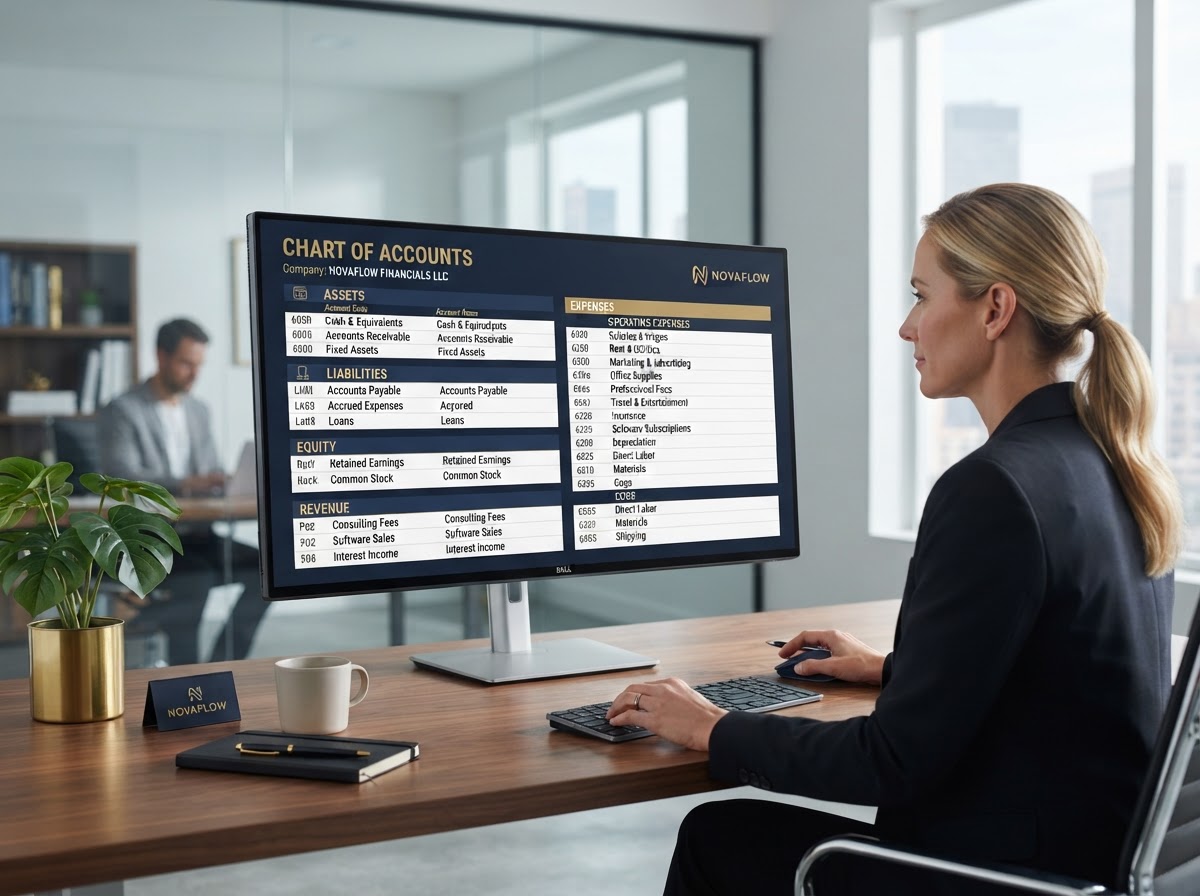
Your chart of accounts is the backbone of your entire bookkeeping system. If it is cluttered with duplicate categories or accounts you never use, your reports will be meaningless. Simplify it before you categorize a single transaction.
A clean chart of accounts has distinct, non overlapping categories. If you have three separate accounts for office supplies, consolidate them. Every category should answer a specific question about your business performance.
Common Categorization Mistakes to Avoid
- Dumping everything into a generic expense category
- Recording owner draws as business expenses
- Mixing personal and business transactions in one feed
- Ignoring small recurring charges that add up annually
- Categorizing loan payments as a single expense line
- Forgetting to split mixed purpose purchases correctly
Step 4: Reconcile Every Account
Reconciliation is the single most important step in cleaning up messy books. It means matching every transaction in your accounting software to the corresponding transaction on your bank statement. When the two balances match to the penny, your books are accurate.
If your reconciliation is off by even a few dollars, something is wrong. A missing transaction, a duplicate entry, or an incorrect starting balance could be the culprit. Find the discrepancy before moving forward. Small errors compound into large ones over time.

How to Handle Reconciliation Discrepancies
Start by checking your opening balance. If that number is wrong, every subsequent reconciliation will fail. Next, look for transactions that appear in your software but not on your statement. These are often duplicate imports or manual entries that need deletion.
Then check for the reverse. Transactions on your statement that never made it into your software represent missing entries. Add them, categorize them, and reconcile again. Patience here saves you from costly tax errors later.
Step 5: Separate Personal and Business Finances
If you commingled personal and business funds, you must separate them before your books are truly clean. Every personal transaction sitting in your business account distorts your profitability. Every business expense paid from a personal account represents a missed deduction.
Record personal transactions paid from business accounts as owner draws, not expenses. Record business expenses paid from personal accounts as shareholder contributions or owner reimbursements. This keeps your profit and loss statement accurate while preserving the deduction on your tax return.
Step 6: Review Your Financial Statements
Once your books are categorized and reconciled, generate three core reports. Your profit and loss statement shows your revenue and expenses over the period. Your balance sheet shows your assets, liabilities, and equity at a point in time. Your cash flow statement shows how cash moved through the business.
Review each report for obvious errors. If your net income looks implausibly high, you probably missed expense categories. If your balance sheet shows negative equity, you may have unrecorded loans or owner contributions. These reports are your financial truth.

Red Flags to Watch For
- Net income that does not match your tax return
- A balance sheet with no loan balances recorded
- Revenue that exceeds what your processor actually deposited
- Expense categories with suspiciously round numbers
- Negative account balances that cannot be explained
- Retained earnings that shift without explanation
Step 7: Build a System to Never Fall Behind Again
Cleaning up your books once is not enough. Without a system, the mess returns within months. Set a recurring weekly appointment to categorize new transactions. Reconcile every account monthly, not annually. Review your financial statements at the end of each month.
If you cannot maintain this cadence yourself, delegate it. A professional bookkeeper costs far less than the penalties, missed deductions, and strategic blind spots that messy books create. Your time is worth more running your business than untangling transactions.
The Zion Approach and Strategy
We do not hand you a generic checklist and walk away. We start every cleanup engagement with a full diagnostic review of your current books, identifying every error, gap, and risk before we touch a single transaction. This prevents us from building on a broken foundation.
We then execute the cleanup in chronological order, reconciling each month completely before moving to the next. We never rely on bulk automatic rules during a cleanup. Every transaction receives human review because accuracy is the entire point of the exercise.
Once your historical books are clean, we shift to a proactive model. We review your books weekly instead of monthly so we spot tax write offs instantly and catch errors before they compound. We run tax planning sessions throughout the year, not just in December, so you never face a surprise bill.
We believe that when our clients grow, we grow too. Your clean books are not just a compliance exercise. They are the foundation for every strategic decision you will make for the next twelve months.

Take Control of Your Financial Future
You can absolutely start cleaning up your books alone using the steps above. But an unshakeable financial foundation requires a dedicated partner who understands the nuances of tax law, entity structure, and proactive strategy. Stop stressing over messy books and start building your business on solid ground.
Ready for a real financial partner?
Stop letting messy books create compliance risks and cost you money.
Related Insights
View all insights
How to Catch Up on a Year of Missed Bookkeeping Without Losing Your Mind
Many business owners reach the end of the year and realize they have not touched their books in months. The sheer volume of uncategorized transactions creates massive anxiety as tax season approaches.

What to Do When You Have Mixed Personal and Business Expenses for Months
Many business owners fall into the trap of paying for business expenses with a personal credit card. They assume they will sort it out later when they have more time. But months go by and the financial records become completely entangled.

Common QuickBooks Online Mistakes and How to Fix Them
Many business owners fall into the trap of assuming automated software means error-free bookkeeping. Relying entirely on automatic categorization without proper oversight often leads to a corrupted general ledger.